Updated at -
November 24, 2021 17:19 Updated
This article outlines the process for creating and submitting a new Universal Claim Form (UCF). UCF is a method of submitting data to Bamboo Health's PMP that allows a PMP Clearinghouse user to manually enter prescription data.
Create and Save UCF
Navigate to https://pmpclearinghouse.net/
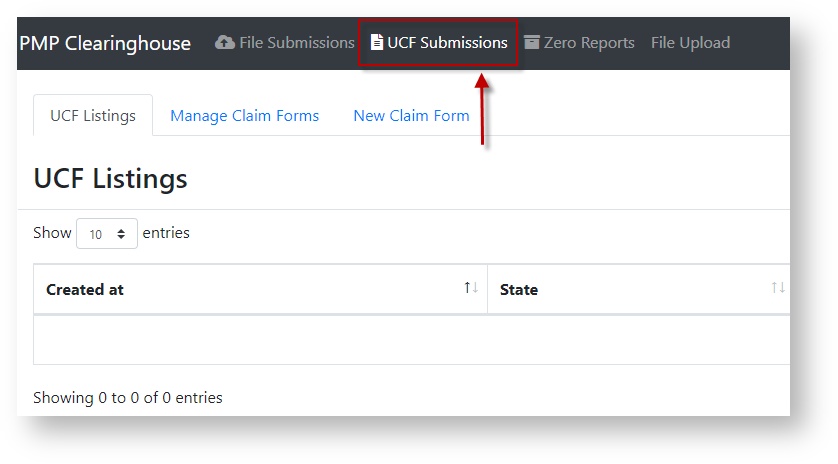
Click on "UCF Submissions" at the top of the screen.
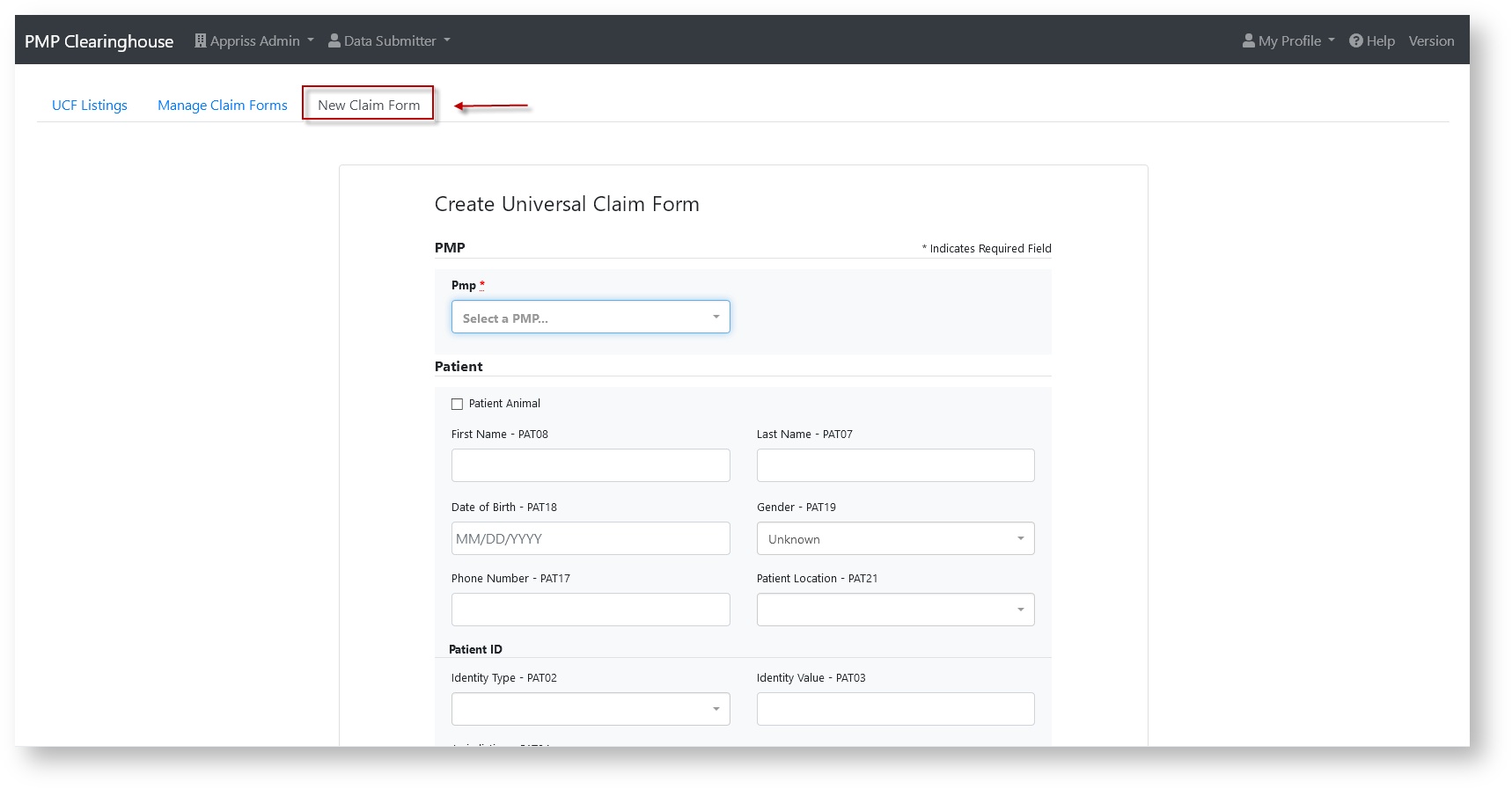
Click "New Claim Form".
Complete the form and please note the following:
You cannot use special characters in any field. (E.g, a patient's name cannot be entered as John Peña; the name must be entered as John Pena)
If you have questions about a specific field you can reference the ASAP specifications located in your state's dispensation guide
Once you have prepared your UCF, click "Save".
All fields are marked by an asterisk
Clicking "Save" does not submit the data to PMP Clearinghouse
Once you saved your UCF, it will be visible on the "Manage Claim Forms" page for future review editing.
Submit UCF
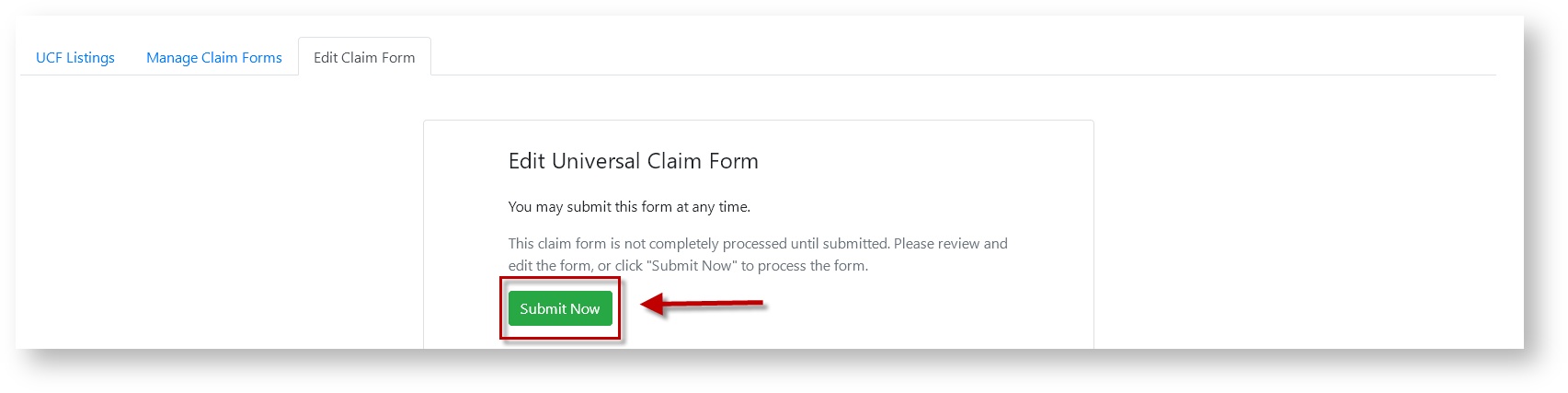
When you are ready to submit, access your UCF and click "Submit Now".
Your UCF Submission will now be visible in the "UCF Submissions" section.
Was this article helpful?
Yes
No
4 out of 12 found this helpful
Have more questions?
Submit a request